Windows: Uninstall Bacula Enterprise Packages
To uninstall packages on Windows we will use Windows Settings application.
Steps
Open Windows Settings Application from Start Menu.
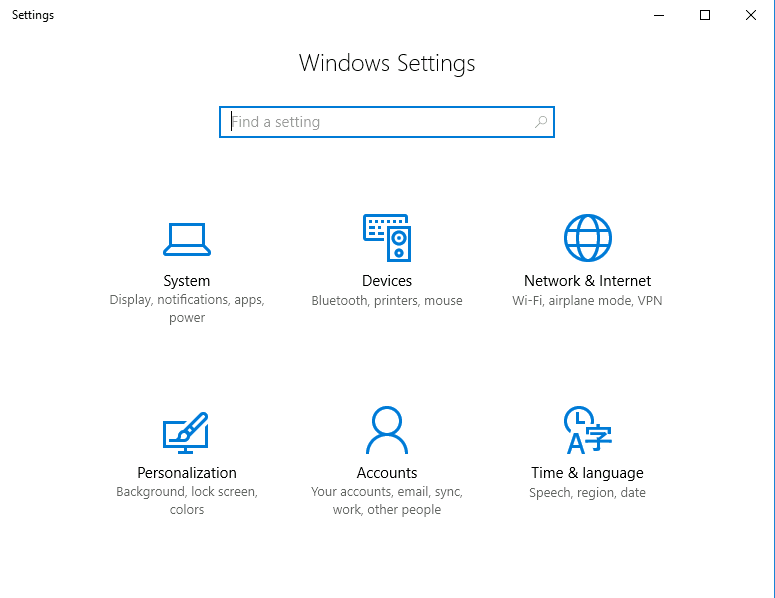
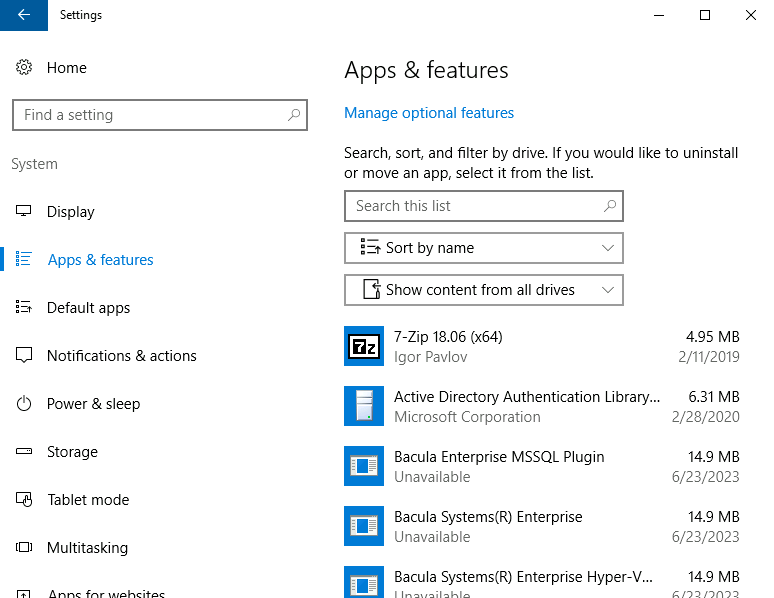
Navigate to “Apps & features”.
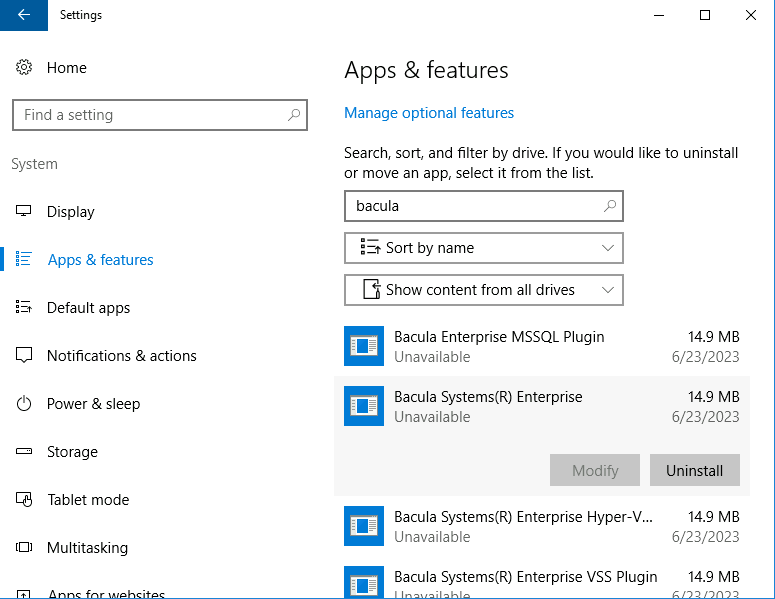
Click on “Bacula Systems(R) Enterprise” item and click on “Uninstall” button. Confirm you want to uninstall packages.
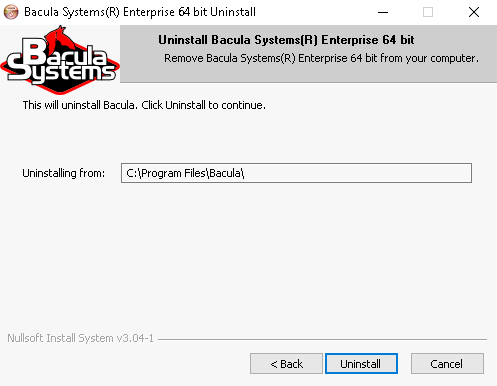
The Bacula packages uninstall wizard will start.
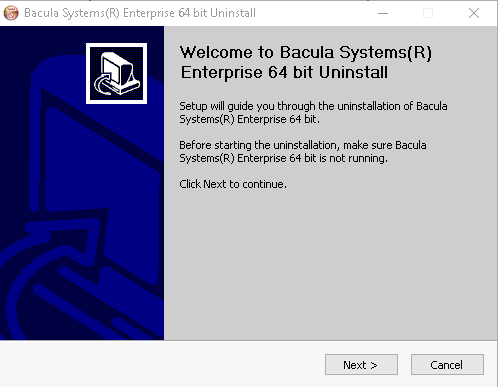
Click on the “Uninstall” button.
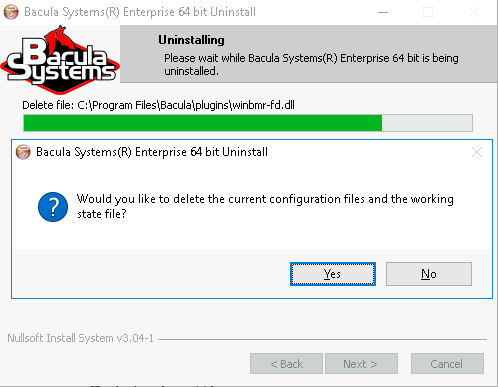
When prompted confirm to remove the configuration and working files.
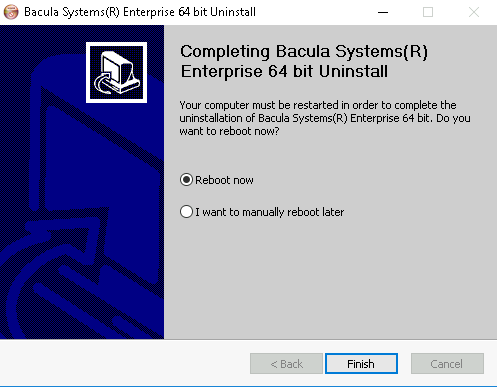
Reboot the computer to finalize the deinstallation.
Go back to: Bacula Enterprise Uninstallation.