Linux BMR: Troubleshooting
EnterpriseBacula Enterprise Only
This solution is only available for Bacula Enterprise. For subscription inquiries, please reach out to sales@baculasystems.com.
This chapter describes troubleshooting for Bare Metal Recovery for Linux.
Network problems or wrong values in the form shown in figure Bacula Configuration, can cause different errors. Here are some hints to solve them.
If you get the error message in
figure fig:bmr-config-no-dir-connect, then you have a problem
connecting to your Director. You can try to ping or telnet
to your Director, or review the Director’s fields in the
configuration form.
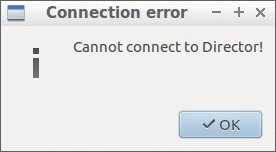
Something is Wrong Connecting to the Director
If you get the error message shown in the screenshot below, then the Director can not
reach your client. Try to ping or telnet to the client from the
Director itself and compare the rescue client fields in the
configuration form with the ones on the Director side.
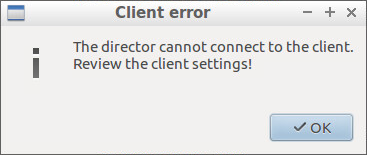
Something is Wrong in the Client Configuration
If you get the error message in figure Something is Wrong in the Console Configuration, then the “Rescue client name” or “Rescue console password” do not match the ones used in your Console resource of the Director, as shown in figure fig:cons.
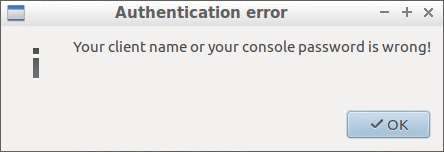
Something is Wrong in the Console Configuration
See also
Previous articles:
Go back to: Bare Metal Recovery for Linux.