Usage and SSO Experience
EnterpriseBacula Enterprise Only
This solution is only available for Bacula Enterprise. For subscription inquiries, please reach out to sales@baculasystems.com.
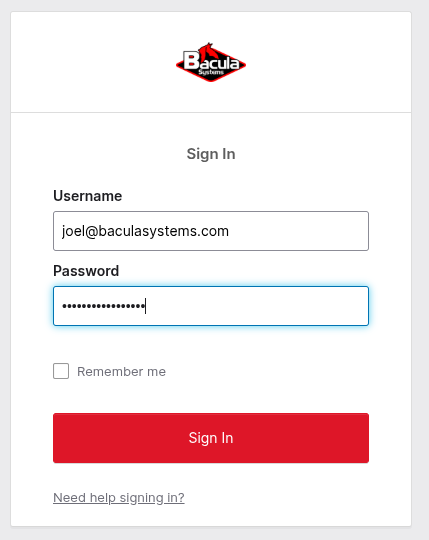
Once the integration is deployed, accessing BWeb redirects users to the IdP login page:
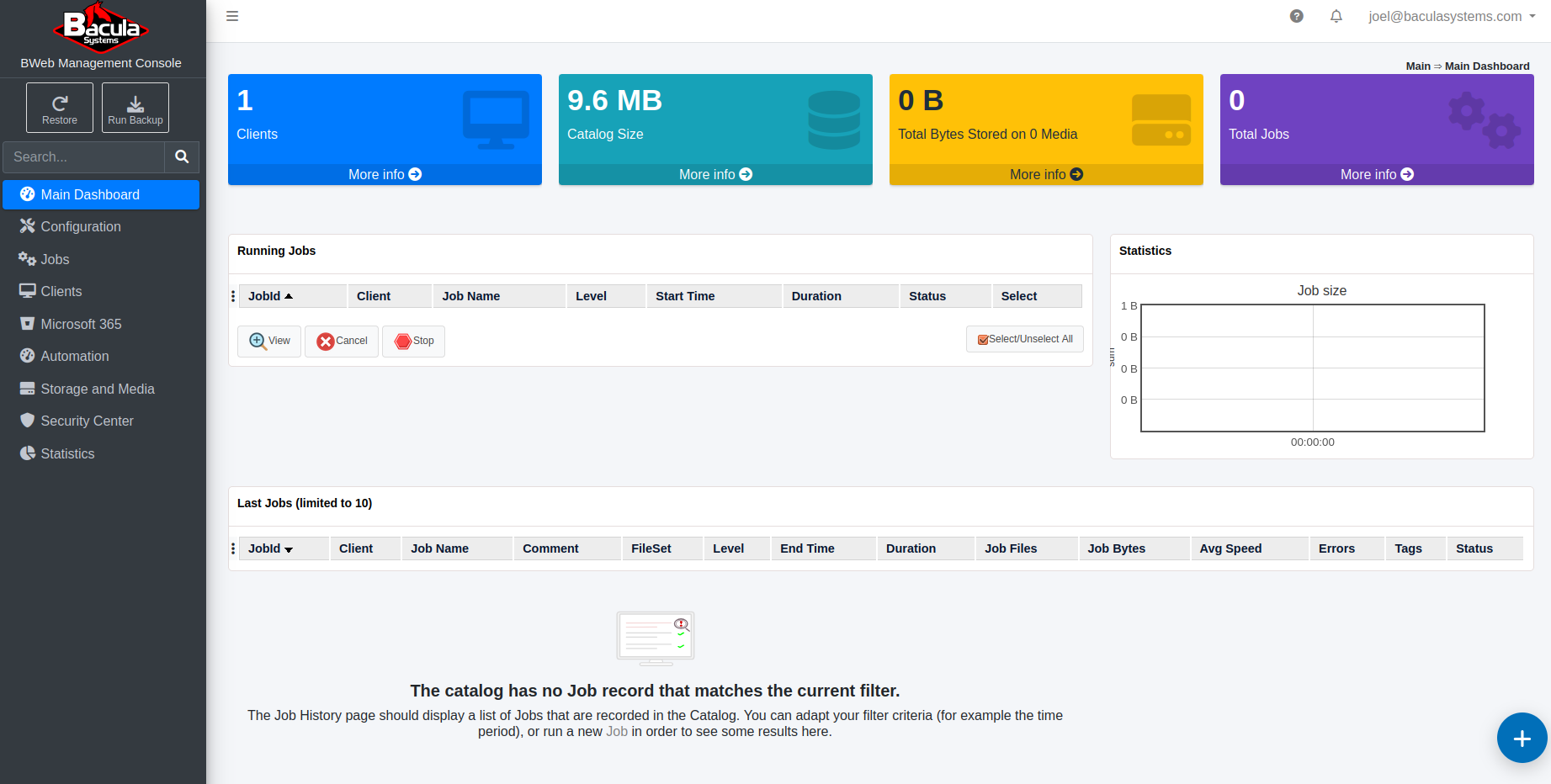
After entering valid credentials (and any configured multi-factor checks), the user is redirected back to BWeb:
The User Info page displays identity data provided by the IdP. The Comment field shows the mapped group names:
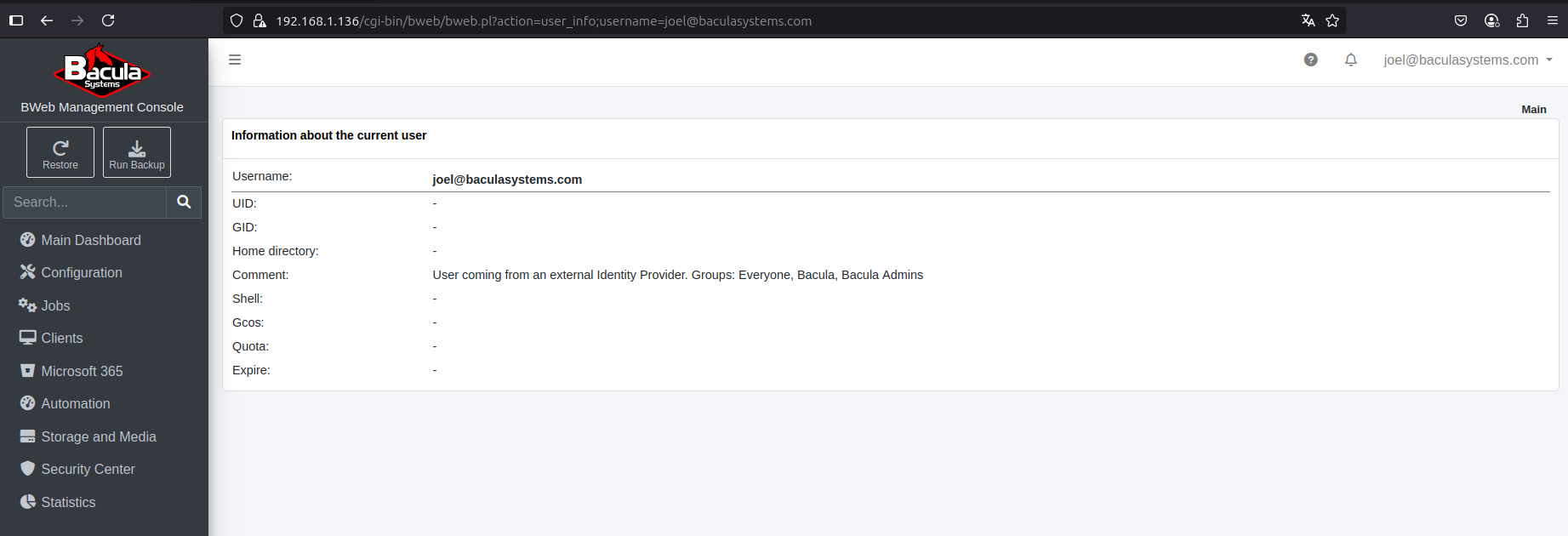
If the IdP returns group IDs rather than names, any unmapped groups are displayed as their raw IDs. See BWeb Internal Group Matching.
During the first access to a new BWeb deployment, an admin-mapped user must complete the initial setup wizard before regular users can log in successfully.
Configuration Adjustments
Some OAuth2/OIDC settings can be adjusted directly in the BWeb configuration interface:

Typical adjustments include the sign-out URL and group-mapping behavior.
After changing OAuth2/OIDC settings, validate with a new browser session (or private window) to avoid confusion caused by cached IdP sessions.
Single Sign-On (SSO)
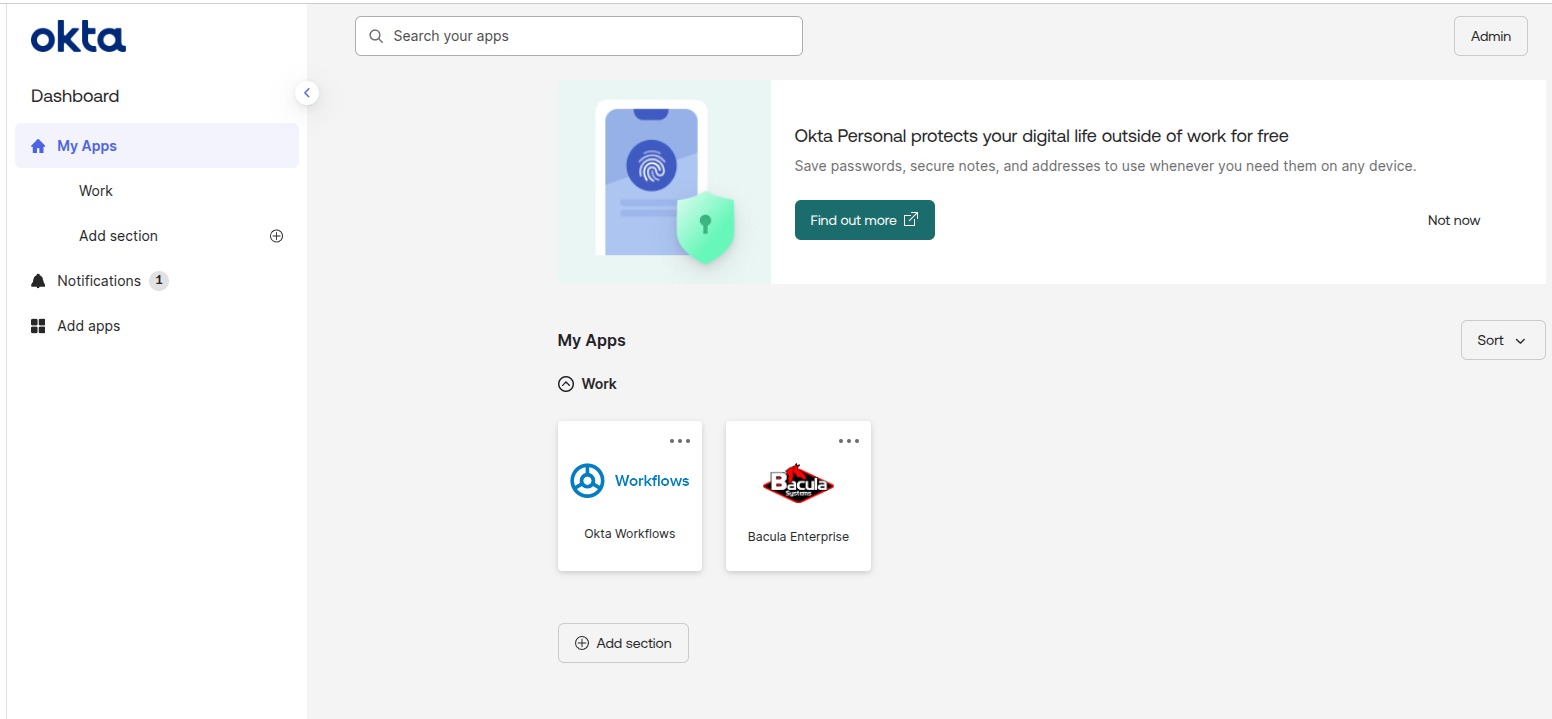
After a user logs out of BWeb, they are redirected back to the IdP login screen. If the user is already authenticated with the IdP, BWeb can be accessed with a single click from the IdP application launcher.
This behavior depends on IdP session lifetime and policy. In stricter environments, users may still be prompted for credentials or MFA even when launching from the IdP dashboard.
Okta example:
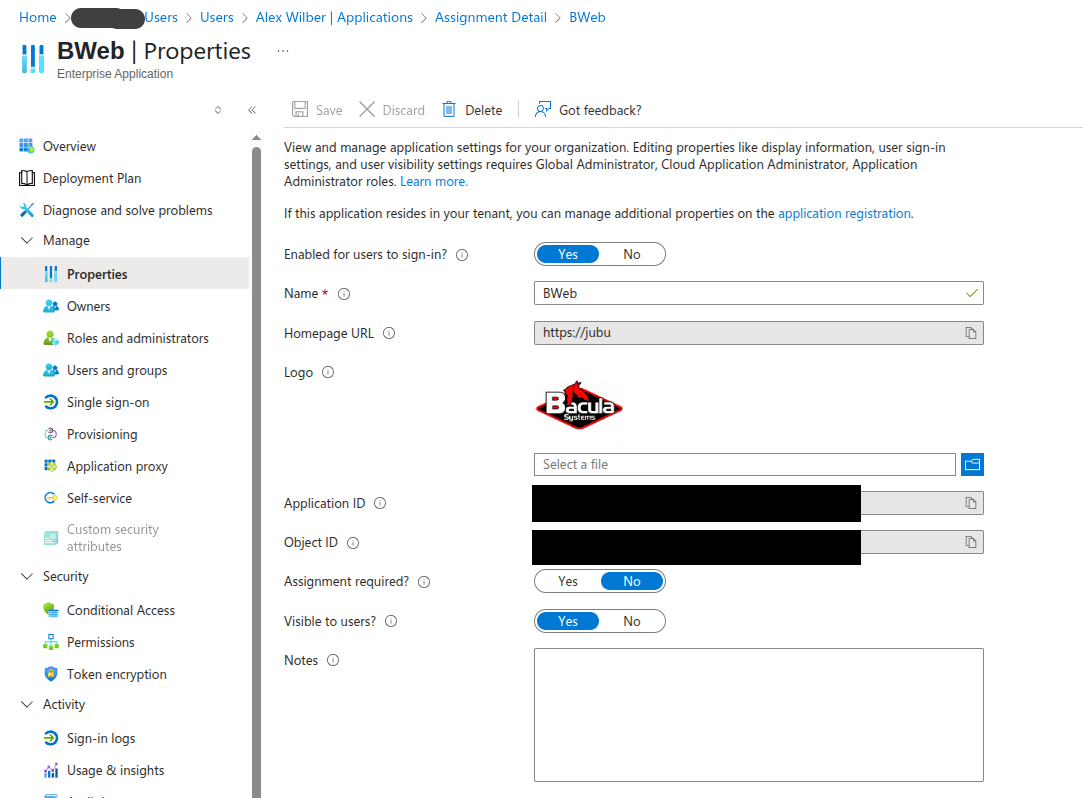
Microsoft Entra ID can display the application in the Microsoft 365 app launcher when configured as visible to users:

See also
Previous articles:
Next articles:
Go back to: Authentication via OpenID Connect/OAuth 2.0 and Single Sign-On.